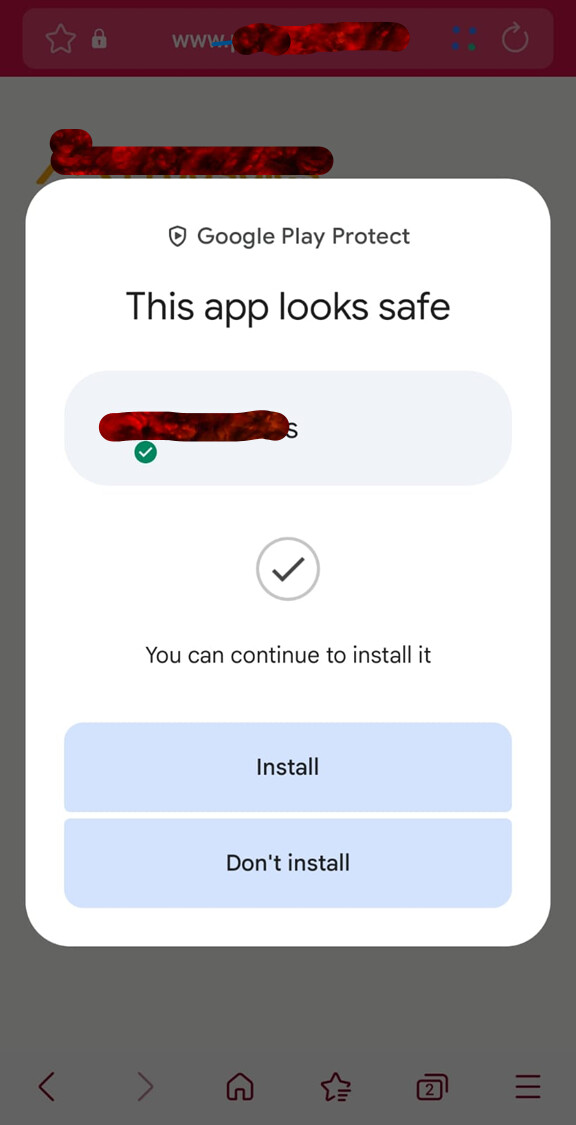
okkkkk…. I got it working and it works just like a normal App. Fantastic. Just instead of downloading the app from Google App / App Store, it is downloaded from an icon in the Internet browser functionalities. All the rest is the same as a normal App or Software installed on the pc/phone.
It works tested on Chrome, Edge, Firefox, Brave; but should work with all.
Really really cool staff. Obviously if it’s an App that is used daily or often is way better to have it as an app with direct access and cleaned of any internet browser distractions.
So for my builder friends here is my way to do it, that you will adapt to your use case.
I have my App embedded in a microsite page in my WordPress web site.
In my WP Admin Panel I have installed the WP Code plugin to add snippets of code.
The PHP snippet for the PWA Web App functionality:
Instructions
-
Step 1: Change $app_path → the URL path where your Knack app is located.
-
Step 2: Edit "name", "short_name"(shown under the icon), "description".
-
Step 3: Replace "icons" URLs to your 192x192 and 512x512 app icons, preferably uploaded in the WP Gallery.
-
Step 4: Adjust "theme_color" the main brand color of your app (matches browser UI).
Service Worker (sw.js) is minimal – you can expand it later to enable offline mode or caching.
In your cache management: Exclude from cache the url: $app_path/sw.js
If you change icons or colors, clear browser cache and reinstall the app to see changes.
<?php
// CHANGE THIS TO YOUR APP PATH (must end with /)
$app_path = '/your/app/path/';

// --- SERVE manifest.json ---
if (isset($_SERVER['REQUEST_URI']) && strpos($_SERVER['REQUEST_URI'], $app_path . 'manifest.json') !== false) {
    header('Content-Type: application/json');
    echo '{
      "id": "' . $app_path . '",
      "name": "YOUR_APP_NAME",
      "short_name": "YOUR_SHORT_NAME",
      "start_url": "' . $app_path . '",
      "display": "standalone",
      "background_color": "#ffffff",
      "theme_color": "#2196F3",
      "description": "Description of your app",
      "icons": [
        {
          "src": "https://yourdomain.com/path/to/icon-192.png",
          "sizes": "192x192",
          "type": "image/png"
        },
        {
          "src": "https://yourdomain.com/path/to/icon-512.png",
          "sizes": "512x512",
          "type": "image/png"
        }
      ]
    }';
    exit;
}

// --- SERVE service worker ---
if (isset($_SERVER['REQUEST_URI']) && strpos($_SERVER['REQUEST_URI'], $app_path . 'sw.js') !== false) {
    header('Content-Type: application/javascript');
    echo "self.addEventListener('install', e => console.log('SW Installed'));
          self.addEventListener('fetch', e => {});";
    exit;
}

// --- INJECT manifest + meta in <head> ---
add_action('wp_head', function() use ($app_path) {
    if (strpos($_SERVER['REQUEST_URI'], $app_path) === 0) {
        echo '<link rel="manifest" href="' . $app_path . 'manifest.json">' . "\n";
        echo '<meta name="theme-color" content="#2196F3">' . "\n";
    }
});

// --- REGISTER service worker in footer ---
add_action('wp_footer', function() use ($app_path) {
    if (strpos($_SERVER['REQUEST_URI'], $app_path) === 0) {
        ?>
        <script>
        if ('serviceWorker' in navigator) {
            navigator.serviceWorker.getRegistrations().then(regs => {
                for (let reg of regs) { reg.unregister(); }
            }).finally(() => {
                navigator.serviceWorker.register('<?php echo $app_path; ?>sw.js')
                .then(() => console.log('SW Registered'))
                .catch(err => console.error('Error registering SW:', err));
            });
        }
        </script>
        <?php
    }
});
Be sure to have uploaded and the correct url of both icons. Seems a trivial detail but not for the process of using the App icons.
That’s All Folks!
enjoy!
Michael